






















Microsoft Patch Tuesday October 2026 brings about 1,400 fixes, including one for a flaw already under attack. Imagine sitting at home with your one Windows laptop, which you also use to help a small office. You want to finish your work, but the screen asks you to restart. This pause matters because someone already knows how to get past a file warning. Think of the update as a new lock for a door someone can already open. BleepingComputer calls this a record batch, which Microsoft released on Tuesday, October 13, 2026.

The list is huge, but your job is small. CrowdStrike reports risks in Office apps, mail tools, and shared office systems. Some let an attacker make your machine run their code from elsewhere. This is called remote code execution, and it can put your machine at risk. Other flaws work when you preview a file, so you may never fully open it.
We will follow your laptop first, then the office machines you help care for. Start with the update, then check what installed after the restart. You will also learn which Windows versions need a move. Each step takes you from that first screen prompt to a result you can check.
The Patch Tuesday October 2026 zero-day vulnerability

This month includes a zero-day, a flaw attackers found before a fix existed. The flaw, CVE-2026-96951, affects Windows Shell, the part used to work with files and folders. Its full name is Windows Shell security feature bypass vulnerability. That means it gets past a safety check called Mark of the Web. This is the warning Windows shows for files from the internet. Like a missing warning on a parcel, its loss removes a reason to stop and check.
Microsoft confirms that someone has used this flaw in attacks. But it has not said who uses it or how the attacks work. The CVSS score, a shared measure of how serious a flaw is, is 8.8. Microsoft rates it Important rather than Critical, which is a different risk level. So the label alone cannot tell you which fix needs care first.
Reports give slightly different totals for Patch Tuesday October 2026 because firms include different sets. BleepingComputer counts 1,411 flaws, with 70 Critical, excluding 348 addressed earlier in October. CrowdStrike counts 1,413, with 75 Critical, while Tenable’s September report counted 964, with 104 critical, the prior record.
Most of the fixes stop attackers from gaining extra powers or running their own code. Two other flaws were made public before the fix, but no attacks are known.
Your Windows security update checklist
Start with the laptop at home, where you saw that restart prompt. Save your work first, so you can restart when needed. Think of the download as bringing a new lock home. The restart finishes fitting it, and your last check shows what installed. Getting the box through the door is only part of the job.
- Open Settings > Windows Update > Check for updates.
- Let the update download and install, then restart to finish.
- Next, open Settings > Windows Update > Update history.
- Check the installed KB numbers, which identify each update.
- Also, include your Microsoft Office apps in these checks.
For Windows 11, the listed updates are KB5127648 and KB5126653. Windows 10 with extended security updates has KB5126657. Use the update that fits your system, because this list covers different systems. You do not need both listed Windows 11 updates just because both appear here. The history page shows the installed numbers, so check there after restarting.
You can open Settings without Windows Search, the tool for finding things on your PC. You also do not need to learn each flaw’s name before starting. Keep the update record beside your Windows version and full edition name. Those details help with two separate checks: what installed and what still gets support. Next, give the same care to the apps you use for documents and mail.
Microsoft Office remote code execution risks
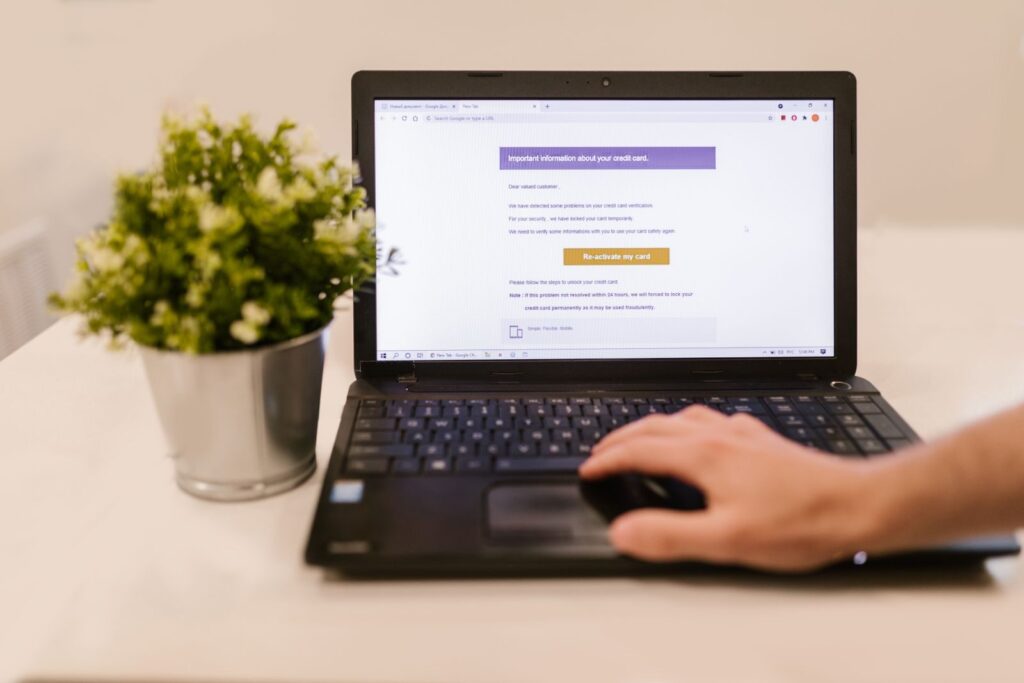
Your checks for Patch Tuesday October 2026 should include Office apps too. CrowdStrike counts 20 critical flaws that let code run across PowerPoint, Word, Excel, and Visio. Several Word and PowerPoint flaws work through the Preview Pane. This area shows a file without making you fully open it. Think of looking through a door window, because even that glance can trigger a flaw.
The worst PowerPoint flaw, CVE-2026-88178, has a score of 9.8. Microsoft Office Outlook also has five critical flaws, all scoring 9.8. These work over a network, which links machines, and need no login. Two of those Outlook flaws list previews as a way to attack.
Across its list, CrowdStrike counts 23 flaws that Office previews can trigger. It also counts 15 network flaws that let code run without a login. These counts show ways an attack could work, rather than proof of attacks against each flaw. So check Office on both your home laptop and the small office machines.
Other critical flaws score 9.8 too, including two each in Microsoft QUIC and Microsoft PostScript Printer Driver. Windows Text Shaping also has one with that score. These parts handle network traffic, printing, and the way text looks. Raw Image Extension, which handles image files, has another 9.8 flaw. Even a thumbnail, or small picture preview, can trigger that one. This means your checks must cover more than files you choose to open.
Patch Exchange Server and other servers in order
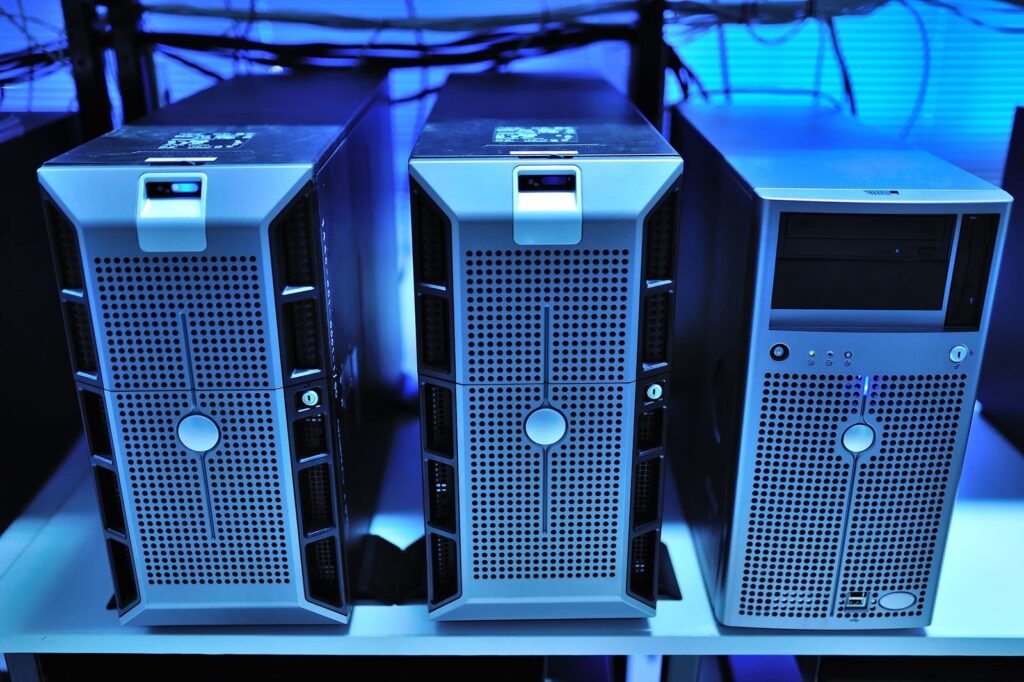
When you help the small office, the work goes beyond your laptop. A server gives shared services to other machines, like a shop counter serving many people. List what the office runs, so you can choose which updates come first.
- Microsoft Exchange Server handles mail, and its flaw CVE-2026-70571 lets an attacker run code. It needs no login and scores 8.1.
- Active Directory Domain Services has CVE-2026-70229, which scores 8.1. It lets code run on a domain controller, a server that manages office logins.
- AD FS helps users sign in across services, and two flaws allow false identities. CVE-2026-108131 and CVE-2026-96222 score 7.5 and 7.4.
- Windows DHCP Server gives machines network addresses, and its flaw CVE-2026-96934 scores 9.8.
- Windows Message Queuing Queue Manager handles messages between programs. Its MSMQ flaw, CVE-2026-100202, also has a score of 9.8.
- Hyper-V runs guest machines within a host machine. CVE-2026-102214 and CVE-2026-105733 let code escape from guest to host, and both score 8.8.
Put login servers and servers that face the web first. Then cover other Windows Server machines and each laptop or desktop used for work. Keep the installed update numbers beside your list, so you can check the results.
For downloads by hand, use the Microsoft Update Catalog. Check each flaw in the Microsoft Security Response Center update guide, then review which versions still get updates.
Support ending around Patch Tuesday October 2026

This month also brings a support deadline for some Windows editions. End of support means the named edition stops getting these monthly safety updates. Think of a lock maker ending repairs for an old lock. Fitting the last repair helps now, but it does not bring more repairs later.
BleepingComputer says this month’s security update is the last for Windows 11 version 24H2 Home and Pro. The same applies to Windows 10 Enterprise LTSB 2016. If your home laptop runs one of these, plan a move to a version with support.
First, finish the current install, because that update still matters. Then check how to move to a version that keeps getting fixes. The installed KB number tells you which update reached the machine. It does not tell you whether your edition will get more next month.
Windows 11 23H2 Enterprise, Education, and IoT Enterprise stop getting security updates starting November 2026. Bring those full edition names into your small office review too. A broad version name can miss the detail that changes your next step.
For Windows 10 with extra support, this batch includes KB5126657. Keep the version check beside the update check, so you can see what comes next.
Frequently asked questions
Microsoft usually posts fixes around 10 a.m. Pacific time on the second Tuesday of the month. A release time is like a shop opening time, because it does not prove your order arrived. Check Settings on your laptop, let the install finish, and restart. Then read the update history to see what installed.
No, because this batch includes Critical, Important, and Moderate ratings. The Shell flaw rates Important, yet Microsoft confirms attacks that use it. The MessagePack-CSharp flaw has a Moderate rating, so the labels differ across the list. Check for known attacks as well as the rating. A lower rating does not erase proof that someone already uses a flaw.
Yes, admins can download updates through the catalog linked above. The response center guide lists each flaw, which can help with office checks. For your home laptop, start with the built-in Settings page. Then restart and check the installed KB numbers in history. A download and a finished install are two separate steps, so check the end result.
A warning should be only part of your plan, because the Shell flaw can bypass it. Some Office flaws work through previews, so an attack does not have to mean fully opening a file. Install the updates, restart, and check the result on your laptop. Microsoft has not shared the full method used in the known attacks.
Your Patch Tuesday October 2026 closing checklist

After Patch Tuesday October 2026, check the updates installed on your home laptop. You can now see what installed, so you have a clear result. Like checking a door after fitting a lock, that last check closes the task. The restart prompt has led to a record you can read.
Keep your Patch Tuesday October 2026 steps focused on things you can check. Finish Windows Update and restart, then read the update history. Include Office, and check your full Windows version and edition. The known attacks give you a reason to act now. The support deadlines also give you a reason to plan your next move.
When you next help the small office, use the same clear steps. List the shared services, choose the order, and note what installed. Your laptop and the office systems each need their own checks. Other vendors, including Adobe, Cisco, Fortinet, and SAP, also shipped October updates.
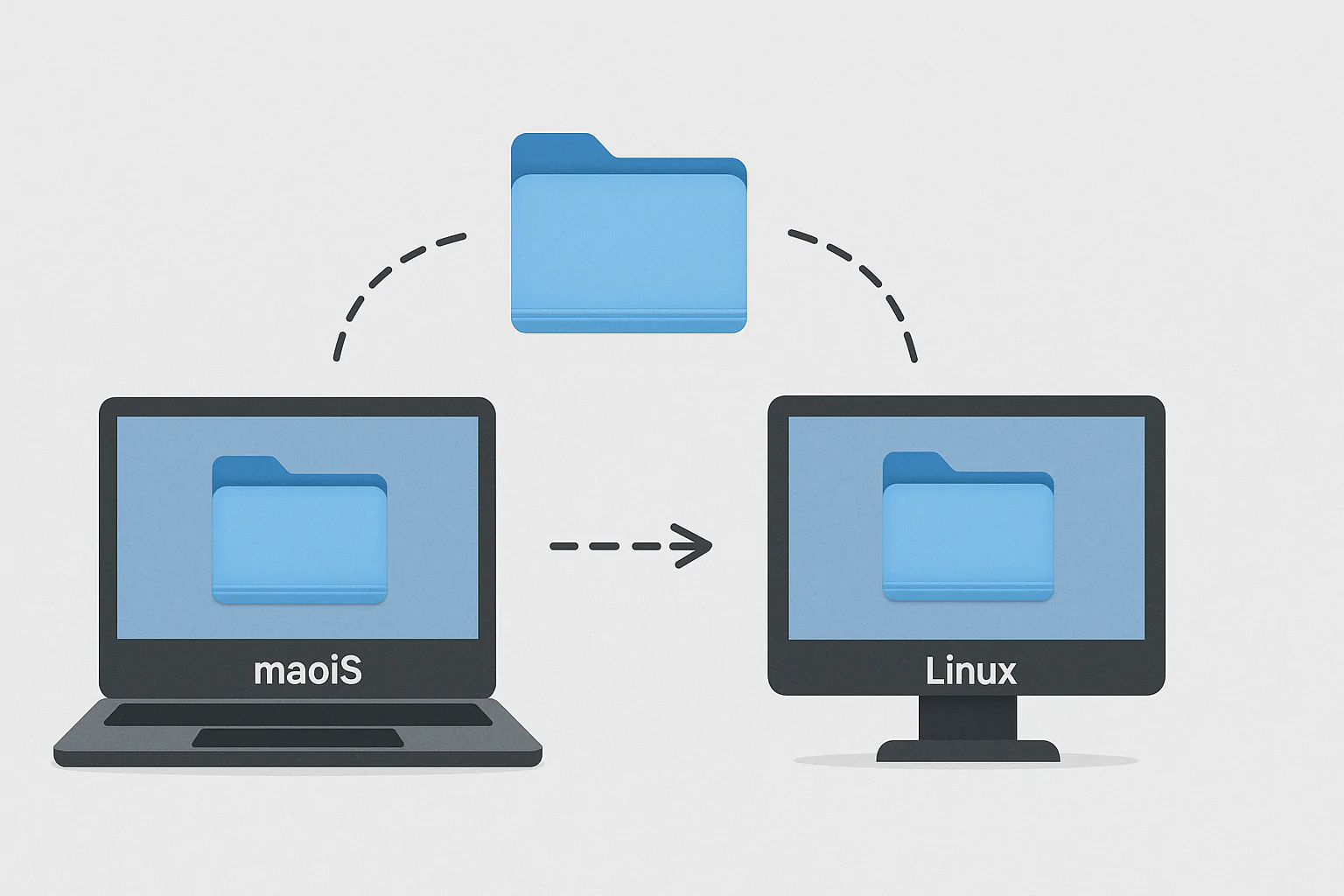
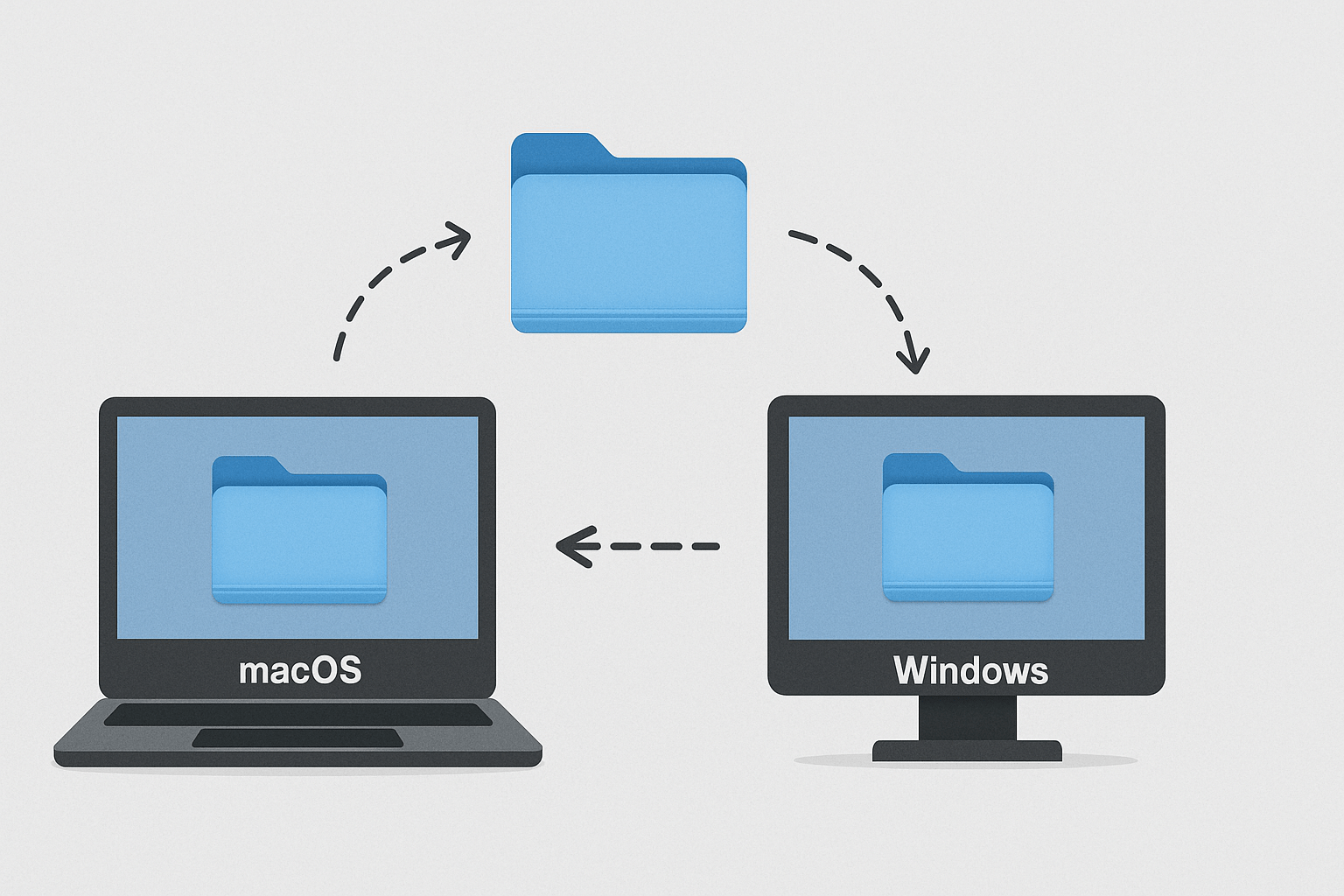
Then return to the work you wanted your machines to help with. If you use different systems at home, learn to share folders between a Mac and Windows. For Linux, you can also explore our Ubuntu face-unlock guide. First, finish the restart and read the record, so you know how this task ended.